Markdown Cheat Sheet: Everything You Need to Know
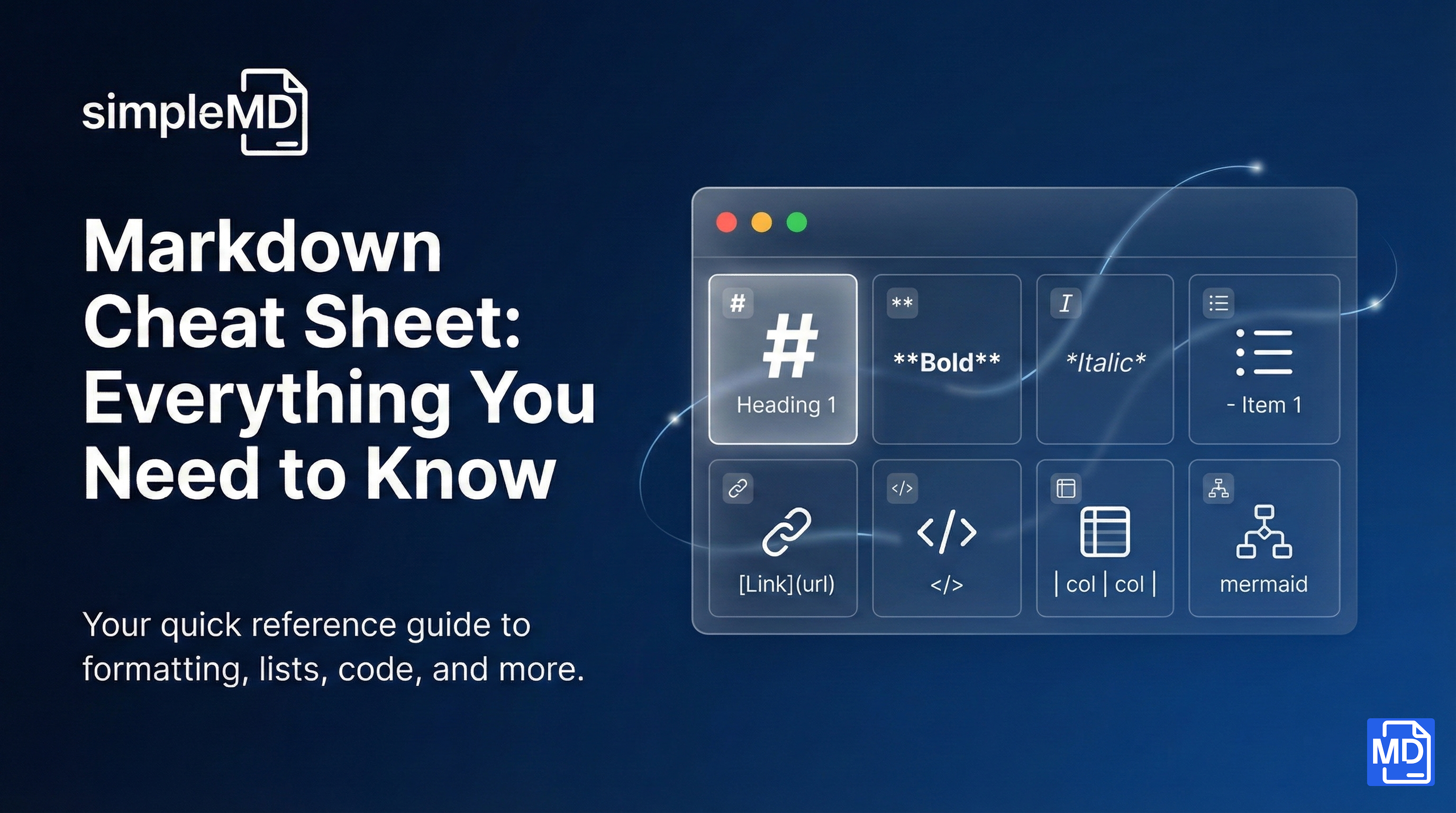
Markdown is a lightweight way to format text using simple symbols. No clicking through menus, no complex formatting panels. Just type and your text transforms into beautifully formatted content.
This cheat sheet covers everything you need to write markdown like a pro.
Text Formatting
Bold and Italic
**This text is bold**
*This text is italic*
***This text is bold and italic***
~~This text is strikethrough~~
Result:
This text is bold
This text is italic
This text is bold and italic
This text is strikethrough
Inline Code
Use backticks for inline code:
Use the `print()` function to output text.
Result: Use the print() function to output text.
Headings
# Heading 1
## Heading 2
### Heading 3
#### Heading 4
##### Heading 5
###### Heading 6
Use headings to structure your document. Heading 1 is the largest; Heading 6 is the smallest.
Pro tip: Most documents use H1 for the title, H2 for main sections, and H3 for subsections.
Lists
Bullet Lists
- First item
- Second item
- Third item

* Also works with asterisks
* Like this
Result:
First item
Second item
Third item
Numbered Lists
1. First item
2. Second item
3. Third item
Result:
First item
Second item
Third item
Nested Lists
- Main item
  - Sub item (indent with 2 spaces)
  - Another sub item
    - Even deeper
- Back to main level
Result:
Main item
Sub item
Another sub item
Even deeper
Back to main level
Task Lists (Checkboxes)
- [x] Completed task
- [ ] Incomplete task
- [ ] Another todo item
Result:
Completed task
Incomplete task
Another todo item
Links and Images
Links
[Link text](https://example.com)

[Link with title](https://example.com "Hover to see this title")
Result: Link text
Images


The alt text describes the image for accessibility.
Code Blocks
For multi-line code, use triple backticks with an optional language identifier:
```javascript
function greet(name) {
  console.log(`Hello, ${name}!`);
}
```
Result:
function greet(name) {
  console.log(`Hello, ${name}!`);
}
Supported languages include: javascript, python, html, css, bash, json, sql, and many more.
Blockquotes
> This is a quote.
> It can span multiple lines.

> Nested quotes work too:
>> Like this inner quote.
Result:
This is a quote.
It can span multiple lines.
Tables
| Header 1 | Header 2 | Header 3 |
|----------|----------|----------|
| Cell 1   | Cell 2   | Cell 3   |
| Cell 4   | Cell 5   | Cell 6   |
Result:
Header 1 | Header 2 | Header 3 |
|---|---|---|
Cell 1 | Cell 2 | Cell 3 |
Cell 4 | Cell 5 | Cell 6 |
Table Alignment
| Left | Center | Right |
|:-----|:------:|------:|
| L    | C      | R     |
Use colons to control alignment: :--- left, :---: center, ---: right.
Horizontal Rules
Create a horizontal line to separate content:
---

***

___
All three create the same result: a horizontal line.
Advanced: Mermaid Diagrams
SimpleMD supports Mermaid diagrams! Create flowcharts, sequence diagrams, and more using simple text.
Flowchart
```mermaid
graph LR
    A[Start] --> B{Decision}
    B --> C[Do something]
    B --> D[Do something else]
    C --> E[End]
    D --> E
```
Sequence Diagram
```mermaid
sequenceDiagram
    Alice->>Bob: Hello Bob!
    Bob-->>Alice: Hi Alice!
```
Pie Chart
```mermaid
pie title Favorite Pets
    "Dogs" : 45
    "Cats" : 30
    "Birds" : 15
    "Fish" : 10
```
SimpleMD renders these diagrams live in the preview panel. You can even export individual diagrams as SVG, PNG, or JPG.
Quick Reference Table
Element | Syntax |
|---|---|
Bold |
|
Italic |
|
Strikethrough |
|
Heading |
|
Link |
|
Image |
|
Code (inline) |
|
Code block |
|
Blockquote |
|
Unordered list |
|
Ordered list |
|
Checkbox |
|
Horizontal rule |
|
Table | ` |
Practice Makes Perfect
The best way to learn markdown is to use it. Open SimpleMD, create a new file, and try each of these elements. Watch the live preview transform your plain text into formatted content.
Within a day, markdown syntax will feel natural. Within a week, you will wonder why you ever used clunky word processors.
Bookmark this page for quick reference. Happy writing!